Inspiration
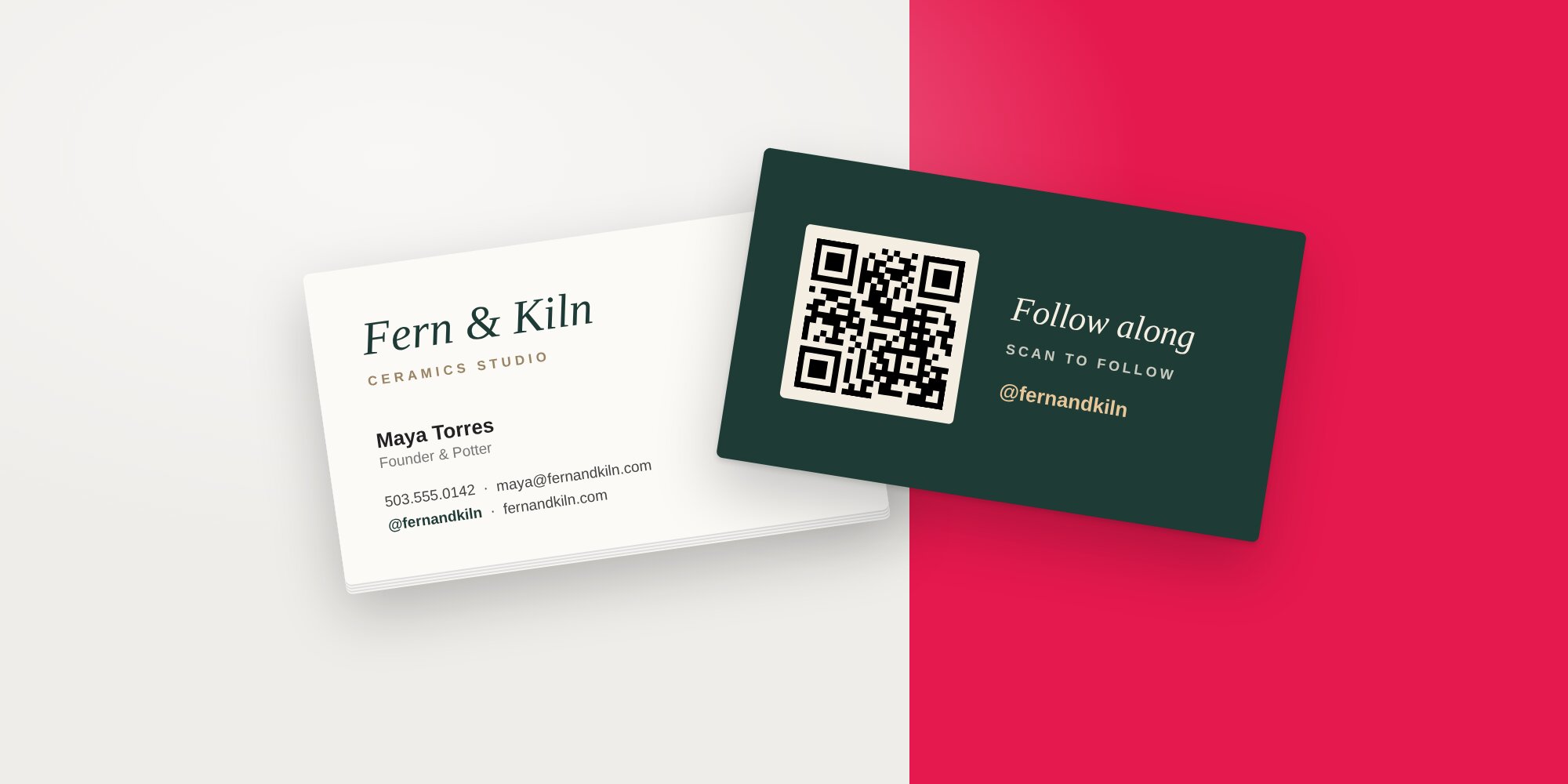
How to Properly Display Instagram on Business Cards
Learn the best ways to display Instagram (and other social media) on your business cards, plus get inspired by standout examples and design tips.
Learn the best ways to display Instagram (and other social media) on your business cards, plus get inspired by standout examples and design tips.
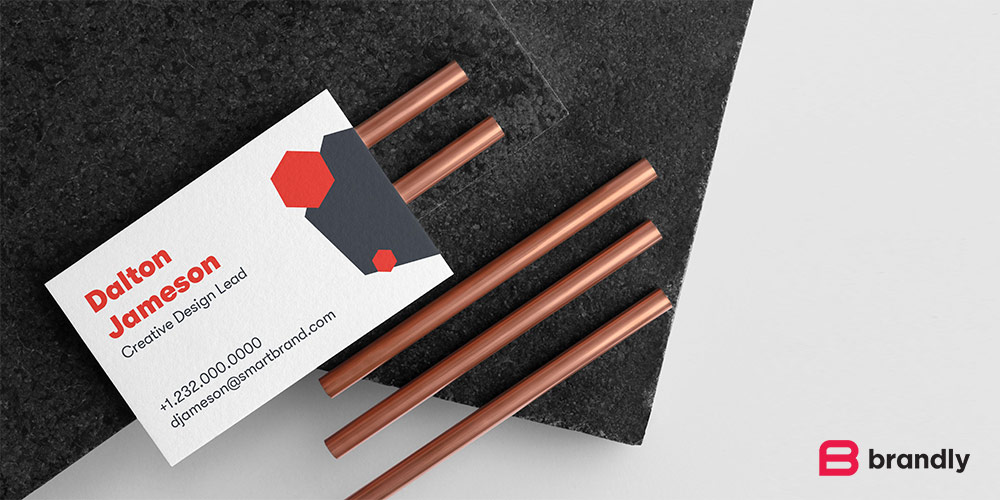
A standard US business card is 3.5 x 2 in (8.9 x 5.1 cm, 89 x 51 mm). See international sizes, bleed and safe area, pixel sizes and free templates....
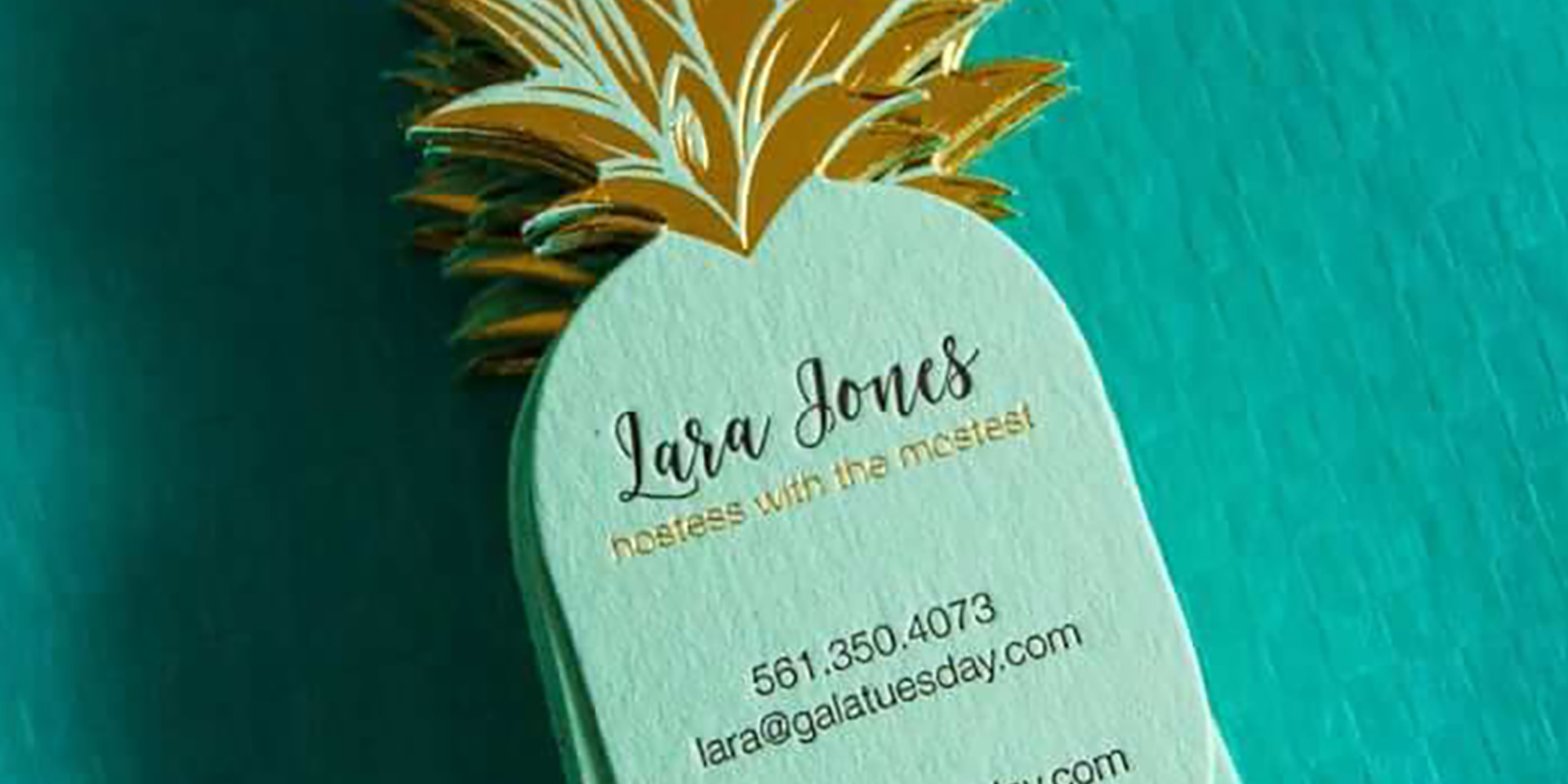
Creative business card ideas with real examples: textured stock, odd shapes, holographic foil, bold color and more. Find a style that fits your brand.
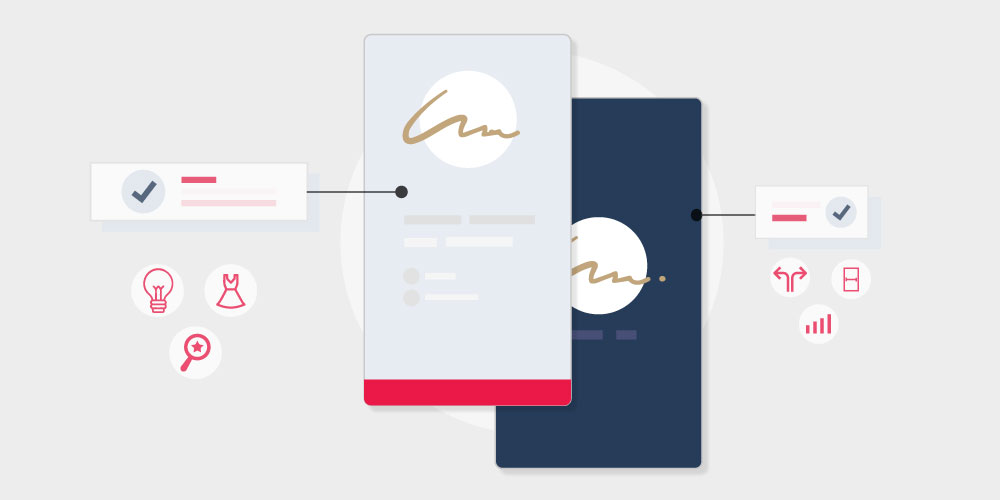
To add a signature in Gmail, go to Settings, See all settings, Signature, then Create new. Step-by-step screenshots for adding and changing it.
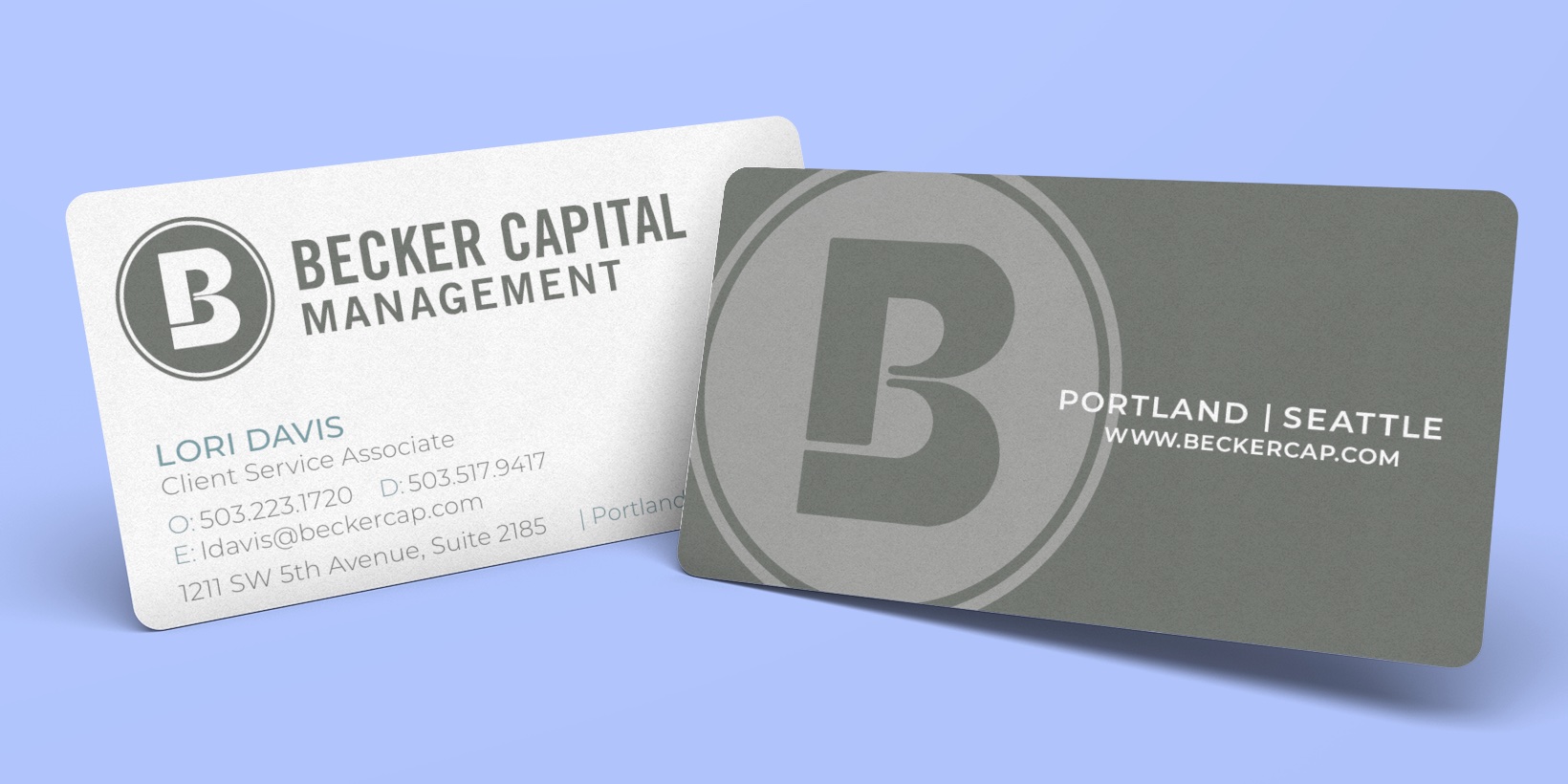
How to design a business card: 10 rules covering what to put on it, staying on brand, keeping it simple, choosing specs and making it memorable.
20 vertical business card designs for inspiration, plus the pros and cons of portrait vs. landscape and free templates to start your own.