Beyond Business Cards: Letterhead, Envelopes, Name Badges and More in Your Brandly Portal
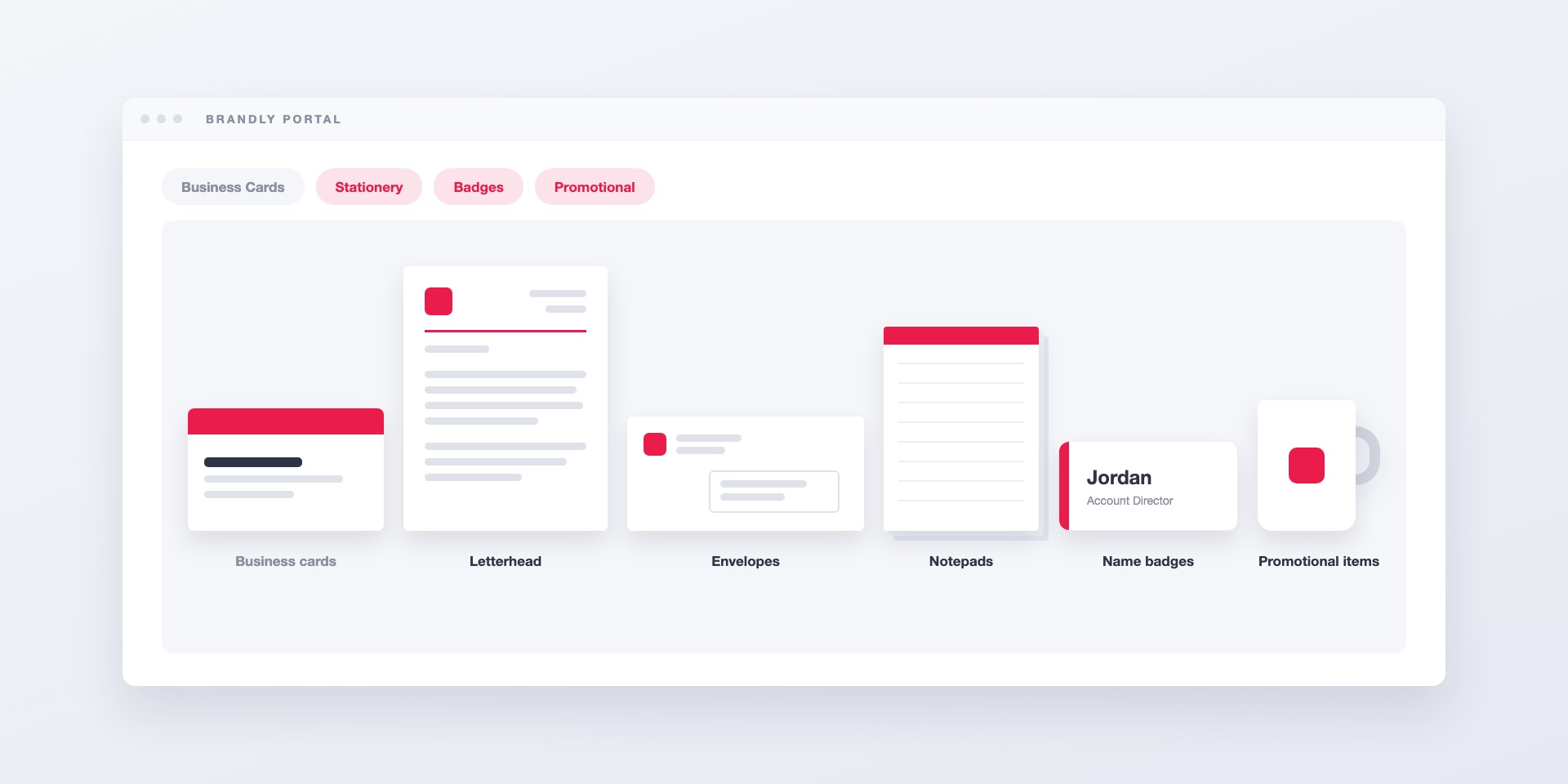
Most teams get business cards under control first. The templates are locked, the employee details fill themselves in, and orders go through approval. Everything else with your logo on it is still handled the old way. Letterhead comes from whichever local printer the office manager remembers. Name badges for the conference get mocked up in a slide deck the week before. Envelopes are reordered from a PDF that might be two rebrands old.
Brandly’s wider catalog moves those items into the portal you already use for cards. Letterhead, envelopes, notepads, name badges and promotional items are ordered the same way business cards are.
What’s in the catalog
Stationery
- Letterhead: 8.5” x 11”, on premium 70# or 24# uncoated paper, printed on one side or both.
- Envelopes: #9 reply envelopes, #10 envelopes with or without a window, machinable window envelopes for mail inserters, and larger mailers.
- Notepads: glued-edge pads in several sizes, from 3.5” x 8.5” up to full letter size.
- Post-it Notes: printed in full color, with branded holders available.
- Note and announcement cards: A2 foldover cards plus A2, A6 and A7 announcement cards, each with a matching envelope.
Name and ID badges
- Name badges: engraved or full-color, on thick plastic or metallic gold or silver stock. You can choose a pin, swivel clip, military clutch or magnetic back at no extra charge.
- ID badges: plastic, credit-card size, with an optional slot and a strap clip or lanyard.
Marketing print and promotional items
Brochures and rack cards sit alongside the stationery. Promotional items such as pens, mugs and tumblers, notebooks and pocket folders can be added to your portal when your team needs them.
How it works in your portal
The wider catalog is a setting on your portal. When it’s turned on, your team sees store categories on their dashboard next to the business card templates you’ve already set up. Your existing templates stay exactly where they are. The setting only adds products.
Your team won’t see a page of blank products. We set up each item with your artwork before it appears, so the letterhead in the catalog is your letterhead and the badge is your badge. Until a product has been set up, nobody on your team sees it.
The same employee details, on more products
This is where a portal is more useful than a print shop. Name badges can pull from the same employee details your business cards already use. Letterhead and envelopes pick up the office address. When someone’s title changes, you update it once, and their next card and badge both show the new title.
The same controls
Ordering a notepad works like ordering a business card. Approvals, locked fields and permissions all apply. If your portal is split by office, brand or department, you can limit products to the groups they belong to. The London office sees London letterhead, and the events team sees the badge templates.
A few things worth knowing before you order
- Envelopes print best with a light design. Use a white background with your logo and return address. Full-color backgrounds aren’t recommended on envelopes because ink coverage is limited.
- Letterhead starts at 50 sheets. That’s small enough to order per office or per person, so you don’t need one big order for the whole company.
- Badges are personalized one at a time. Each badge carries its own name, which suits events and new hires. You don’t need to round up a batch of names first.
Where to start
If your team already orders cards through Brandly, contact us and tell us which items you’d like added. We’ll set them up with your artwork and turn the catalog on.
If you’re still deciding how branded print should work across a growing company, read what a business card portal is first. If an event is coming up, our tradeshow preparation guide covers badges and everything else you’ll need at the booth.
Set Up Your Free Business Card Portal
Get Started